Scrub the ring
Press play in the centre and the playhead sweeps the turn. Its tip flares on every beat. Drag anywhere on the ring to move through the song.
 Rose
Rose
On-device song analysis
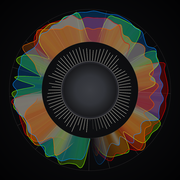
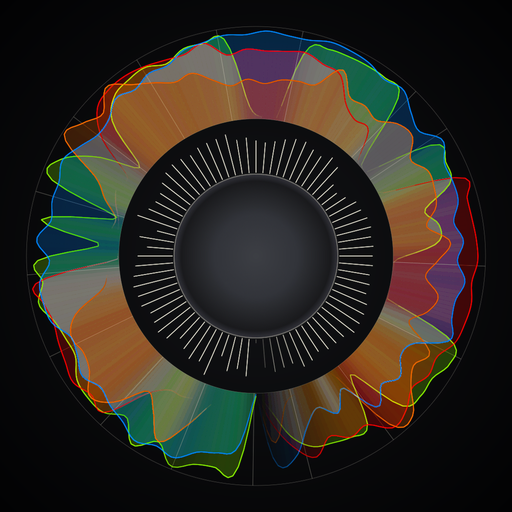
Rose listens to a track and draws what it hears around one turn of a ring. All four stems, the loudness of every moment, the key and the beat run from the start of the song round to the end.
Bring one forward
This one is drawn in your browser from an invented song. The real app is further down the page.
060°Read the ring
Every radius means the same thing in every portrait. Here it is on a phone, followed by what sits where, measured out from the centre.
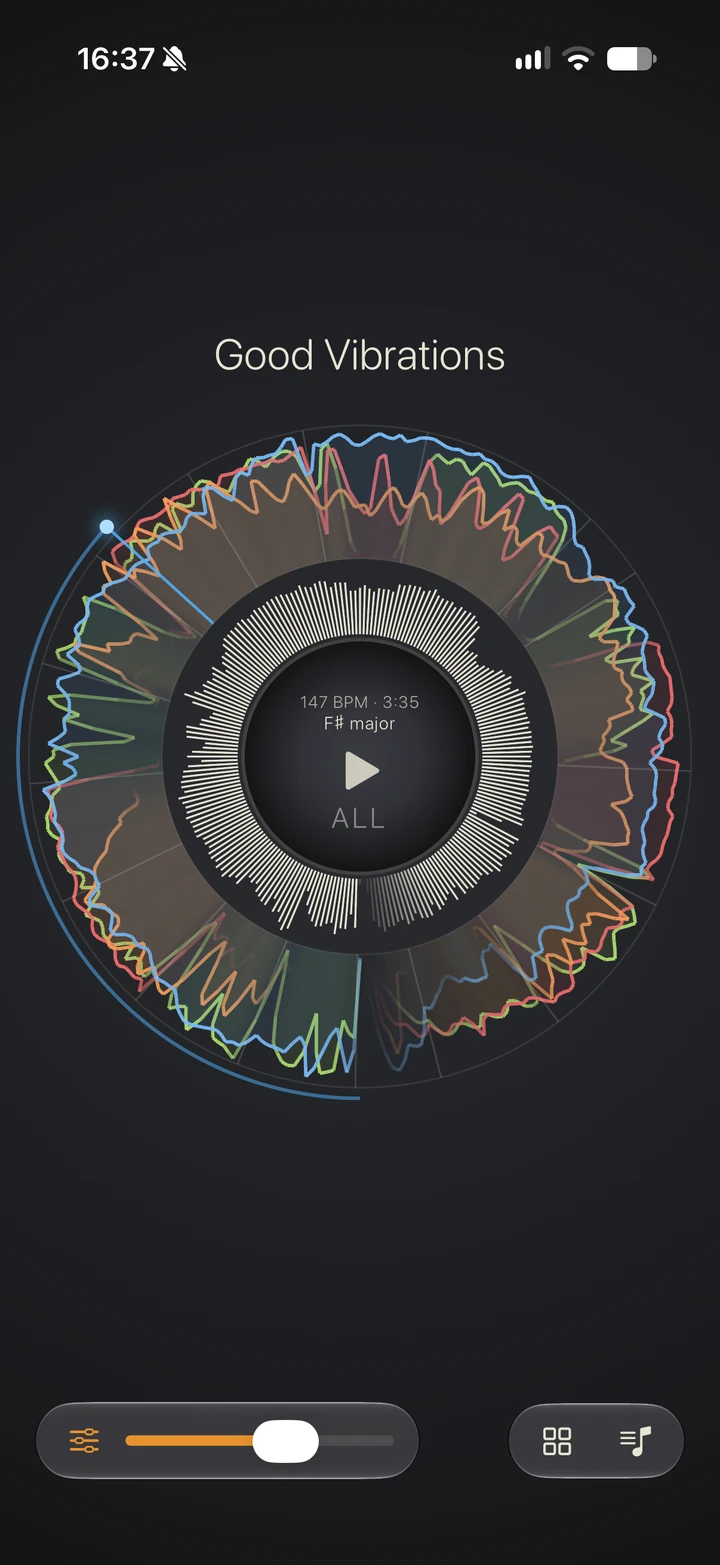
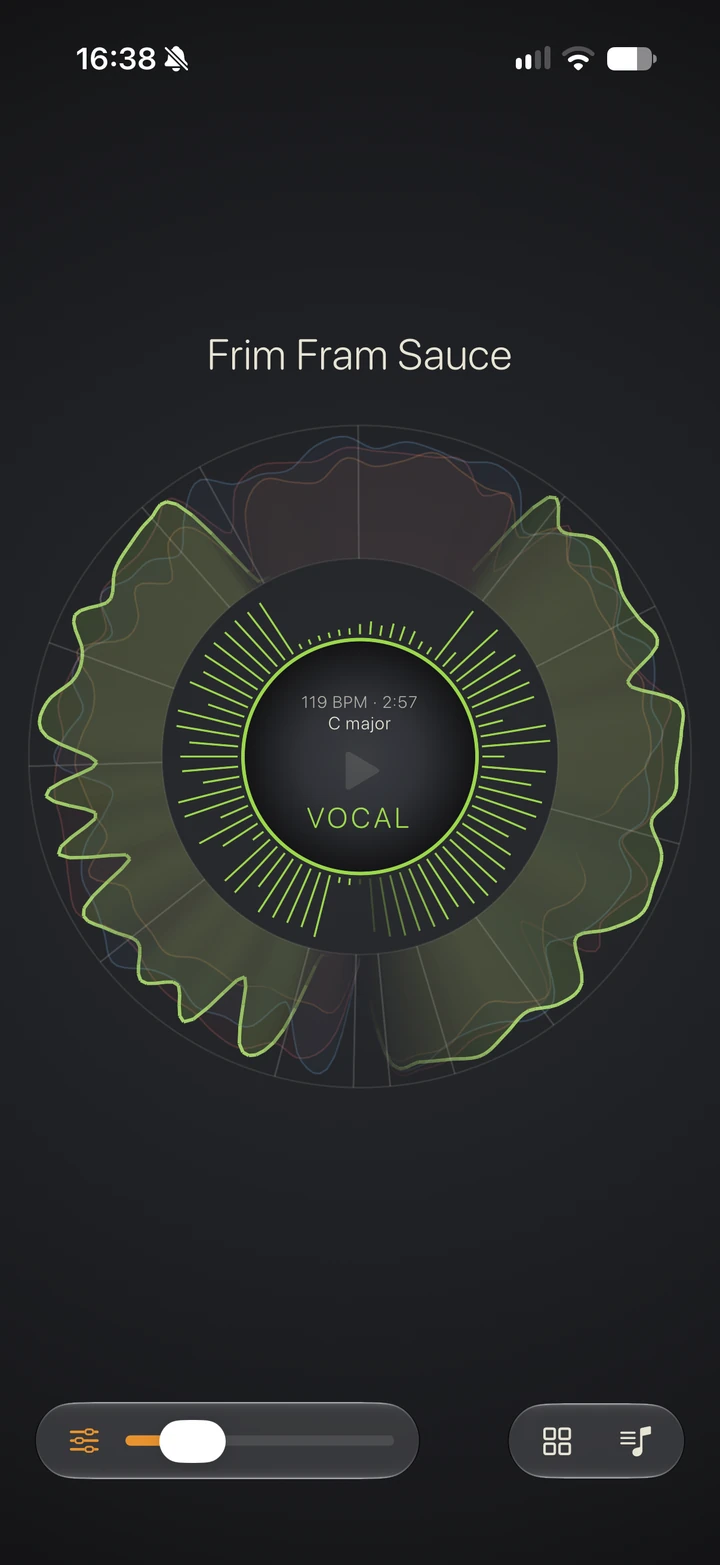
The disk shows the tempo, the running time and the key in force right now. The play button sits in the middle. Tap the label underneath to step through the four stems and back to all of them.
Each spoke is one moment of the track, growing outward from the disk. Spokes run longer where the mix is loud and brighter where the pace is high.
All four stems sit here at once. Each is drawn as a line that rises from the inner edge as that stem gets busier. A lane fades out where its stem stops playing. Hairlines mark the band's edges. Radial rules fall wherever the arrangement changes.
The playhead runs just outside the band. It trails an arc over everything that has already played and drops a spoke across the lanes at the current position. Rose knows where every beat falls, and the tip flares on each one.
The slider under the ring sets how finely Rose draws. Push it up for more loudness spokes and less smoothing on the lanes. Pull it down and the petals round off into broad lobes. The slider only changes the drawing, and the numbers stay the same. The two phones above use different settings.
120°Colour
Music Understanding separates a track into bass, drum, vocal and a fourth part that holds everything else. Rose colours them the way sound would map onto light. The lowest sits at the long-wavelength end, and bass comes out red. Four colours are few enough to keep in your head while you read a song you have never seen before.
Anything that isn't bass, drum or vocal lands in "other": guitars, keys, strings, horns and synths. Rose's palette already has a colour for each of them, ready for the day the framework splits them out.
180°On device
Rose reads audio with Apple's Music Understanding framework, running on your iPhone or iPad. There is no server and no account. Your audio stays on the device. Start with a file from Files, a 30-second Apple Music preview, or a song you own in My Music.
Rose works out the key section by section. The readout follows the playhead and changes when the song does.
Rose finds every beat and every bar, and the tempo they add up to.
For each of the four stems, how hard it is playing and exactly when it comes in and drops out.
Momentary loudness in LUFS, measured right across the track, including the moment it peaks.
240°In your hands
Press play in the centre and the playhead sweeps the turn. Its tip flares on every beat. Drag anywhere on the ring to move through the song.
Tap the centre to step through the four stems. The chosen lane lights up and the rest fall back. The loudness spokes take on its colour.
Every song you open is kept and opens instantly the next time. Swipe left and right to page between them, or open the library to see them all as a grid of portraits.
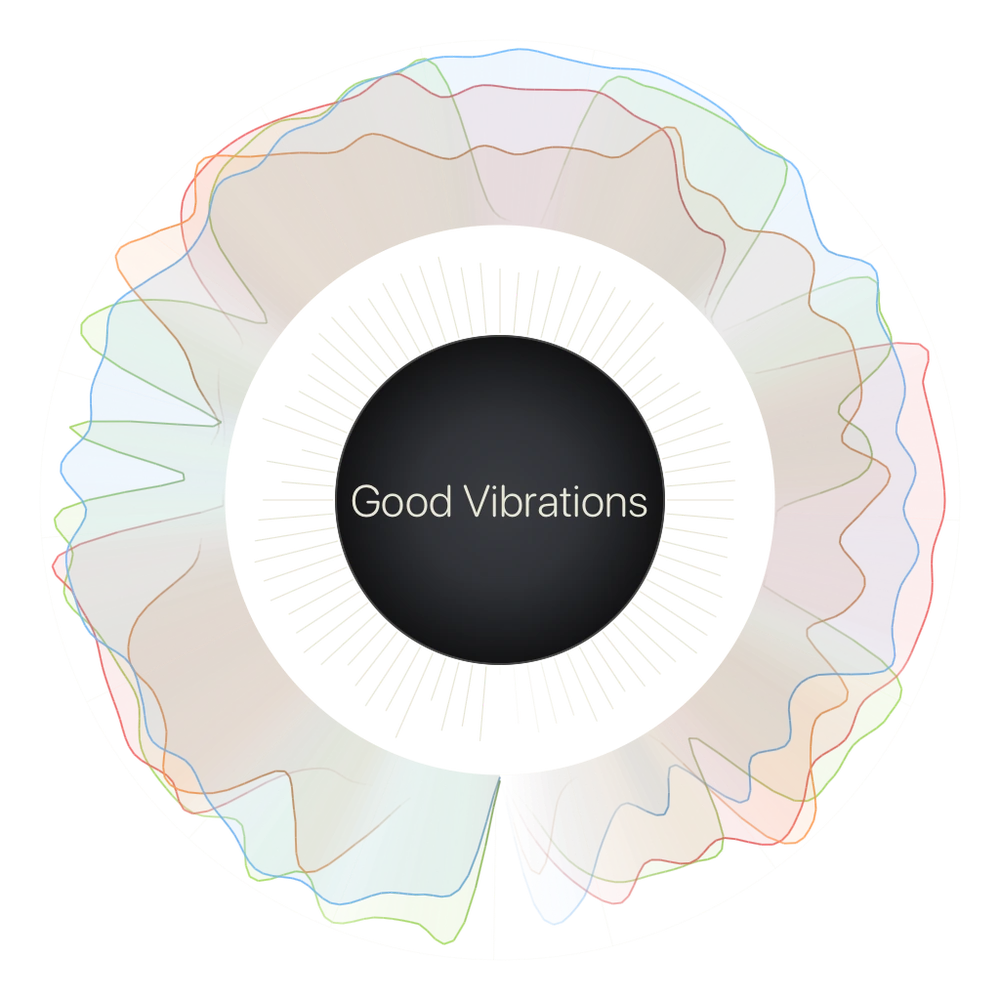
Export a portrait as a PNG with a transparent background. Export one song on its own, or tile several into a single image. A single song comes out at 4096 pixels square, large enough to print.
Shown: Good Vibrations, exported from Rose.
270°Off the phone
A single song exports at 4096 pixels square with a transparent background. The same file works as a thumbnail or framed on a wall. Here are some ideas.
Put the song you have played four hundred times up on the wall. The file has nothing behind the ring. It takes on whatever stock you print it on: black card, newsprint or brushed aluminium.
Select a whole album's worth in the library and Rose tiles the portraits into one image. Twelve tracks come out as a four-by-three grid. The sparse track and the frantic one stand out at a glance.
Bring one stem forward and its lane becomes a single closed curve. It is one continuous line in the shape of a song. People have had waveforms inked for years. This one carries far more of the track.
A portrait is square and dark, and it still reads when shrunk to a thumbnail. Post the ring, let people guess, then say what it was.
The first dance, the drive home, the one that was on when you met. A portrait names the song without anyone printing the lyrics on a cushion.
If you make music, run two versions through and put the rings side by side. You can see where the arrangement thins out and where the loudness flattens. You can also check whether the vocal sits where you think it does.
300°Get Rose
Open a file from Files, an Apple Music preview or a song from My Music. Analysis runs on the device. Every song you open stays in the library.
Coming to the App Store